TUI Workstream Activities Guide | Pieces Docs
Learn how to view, edit, and manage your workstream activities using the Pieces TUI workstream interface in your terminal.
Workstream Activities Overview
The TUI Workstream Activities view provides terminal-based access to your Long-Term Memory (LTM-2.7) roll-ups and workflow summaries. Access this feature directly from your command line to view, edit, and manage your workstream activities.
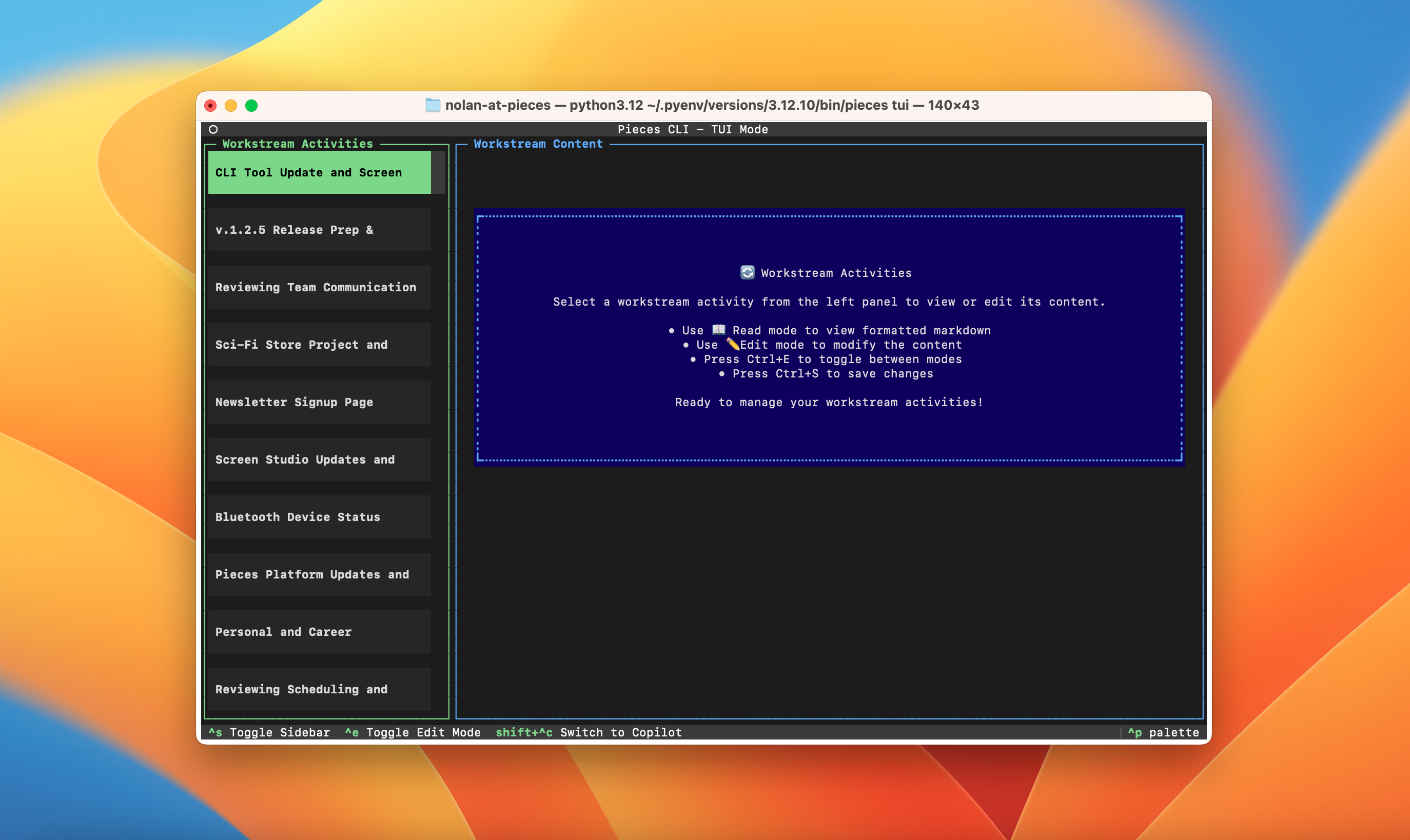
Accessing Workstream Activities
<Image src="https://storage.googleapis.com/hashnode_product_documentation_assets/cli_assets/tui/edit_workstream_activity.png" alt="Workstream activity in edit mode" align="center" fullwidth="true" />
Workstream Activity Content
Each workstream activity contains structured information captured by the LTM-2.7 engine:
Keyboard Shortcuts
* **`shift+ctrl+w`:** Switch to workstream view
* **`ctrl+e`:** Toggle edit mode
* **`ctrl+s`:** Save changes
* **`ctrl+p`:** Open command palette
* **`shift+ctrl+c`:** Switch to Copilot