Pieces Fundamentals | How Long-Term Memory Works
Learn about the [3] core features of Pieces, available for use within the Pieces Desktop App and any supported browser or IDE integration.
The Pillars
Pieces helps you work smarter with [1] Long-Term Memory Engine (LTM-2.7), an "artificial memory" that remembers your workflow and saves context for later.
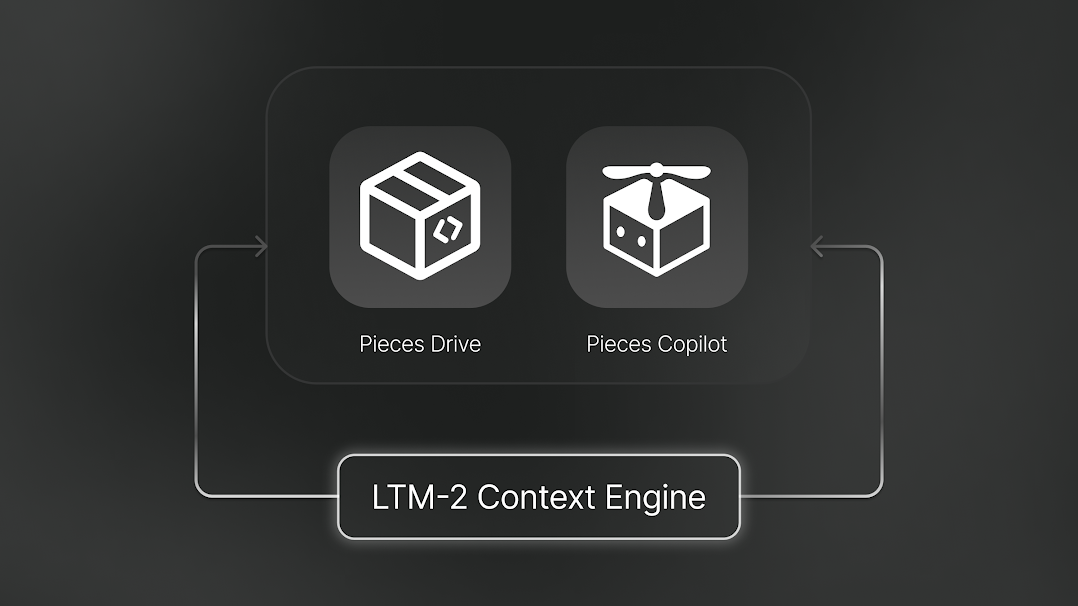
Next, [2] Conversational Search helps with everyday tasks like answering questions, creating content, and getting help—with as much or as little context as you need.
Finally, [3] Timeline is your main workspace for everything Long-Term Memory captures. You can create summaries, look back at past work, and explore your workflow history.
LTM-2.7
The Long-Term Memory Engine (LTM-2.7) captures what you're working on, so you can easily find past activities, conversations, and materials.
Conversational Search with LTM-2.7 Context
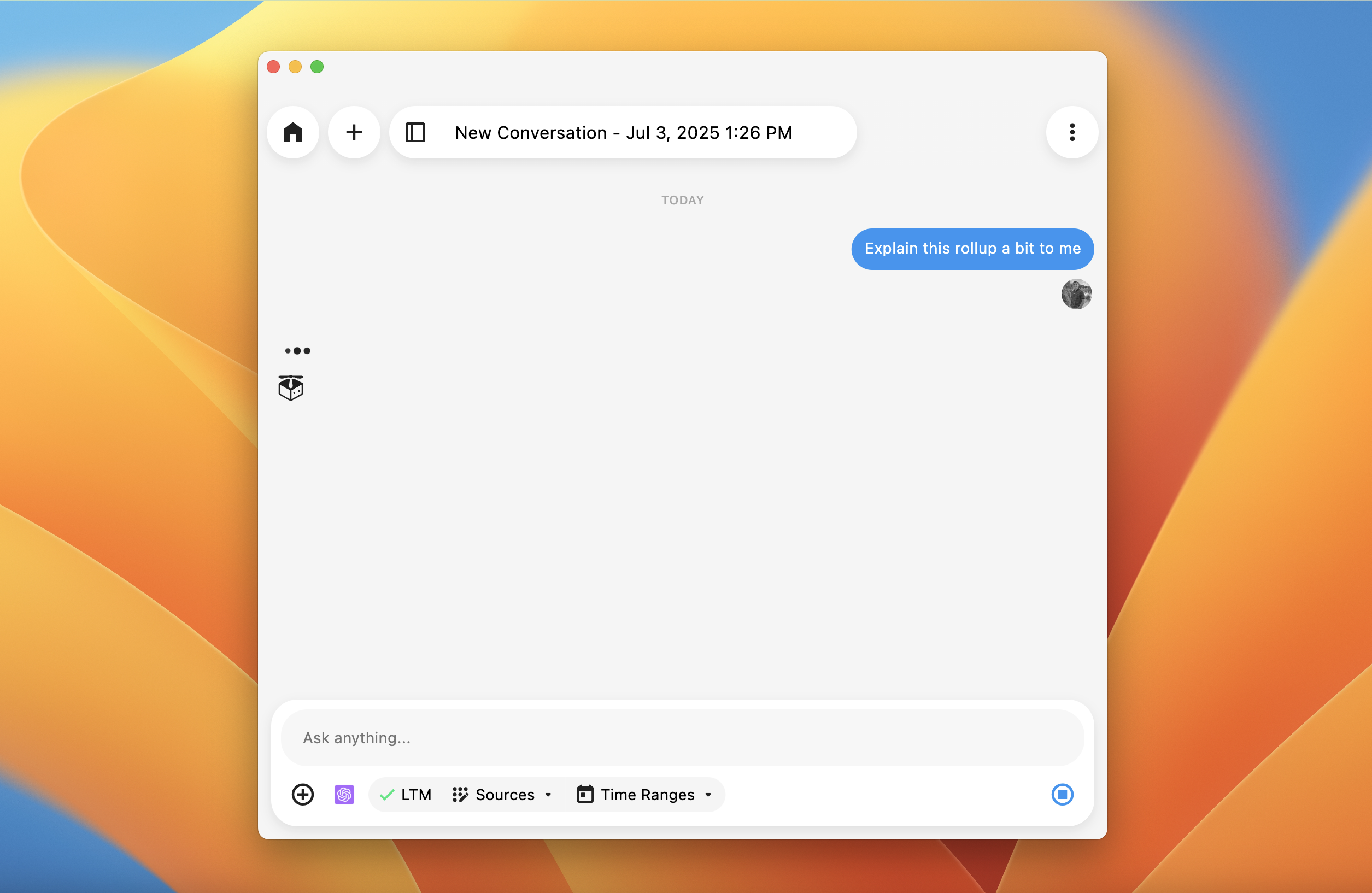
You can ask questions like, "What was the link to that document I worked on last week?" or "Summarize the brief from the meeting" to get quick answers with game-changing context enhancements.
Here are some ways to take advantage of the LTM-2.7:
Contextual Recall: LTM-2.7 remembers the websites you visit, the work you do, and what you save. You can access this from the Pieces Desktop App or in Conversational Search inside your IDE via MCP integration.Natural Language Queries: Ask questions about your past work, and LTM-2.7 will find the right link or file path for you. You can also ask it to summarize a webpage you visited earlier.Integrated Access: Use LTM-2.7 in the Pieces Desktop App or in your favorite tools through browser or IDE integrations.
PiecesOS collects LTM data and creates a summary every 20 minutes, so you don't have to keep explaining context like you do with other AI tools.
Conversational Search
Conversational Search uses Large Language Models (LLMs) to help answer questions, create content, and give guidance. You can use it in your IDE, editor, or the Desktop App.
Conversational Search for Content Generation
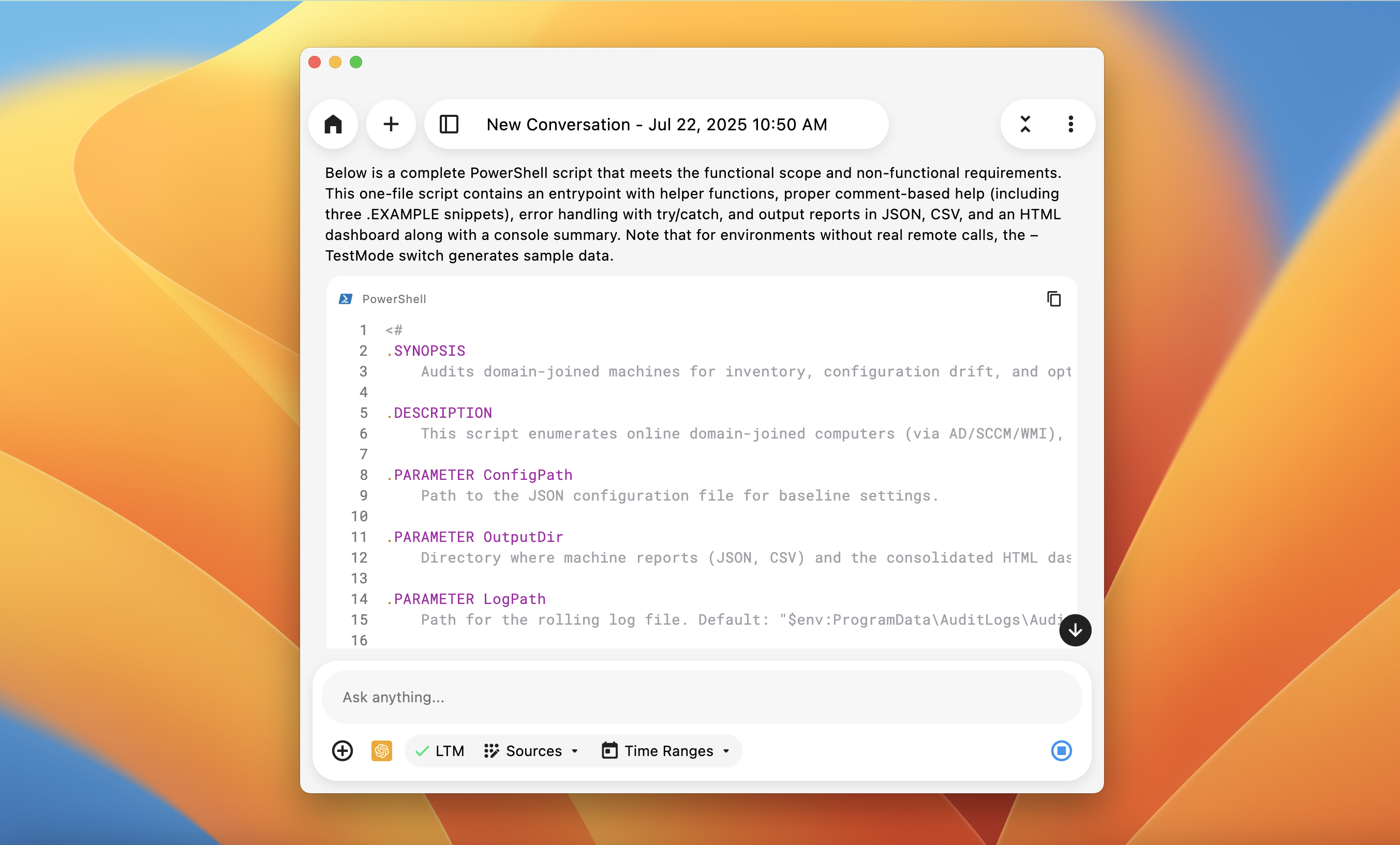
Conversational Search, available in the Pieces Desktop App, any IDE, or browser integration, helps with:
Answering Questions: Get explanations of complex topics, learn how things work, or explore different approaches.Content Generation: Create content based on what you need, either by asking directly or using context from your current work.LLM Flexibility: Switch between model families—Claude, Gemini, and ChatGPT—and choose Fast, Balanced, or Extra Thinking modes.
Timeline
Timeline is your central workspace in the Pieces Desktop App. It shows summaries of everything Long-Term Memory (LTM-2.7) captures. You can create summaries, look at past work, chat with Conversational Chat, and manage your memories.
Timeline Interface
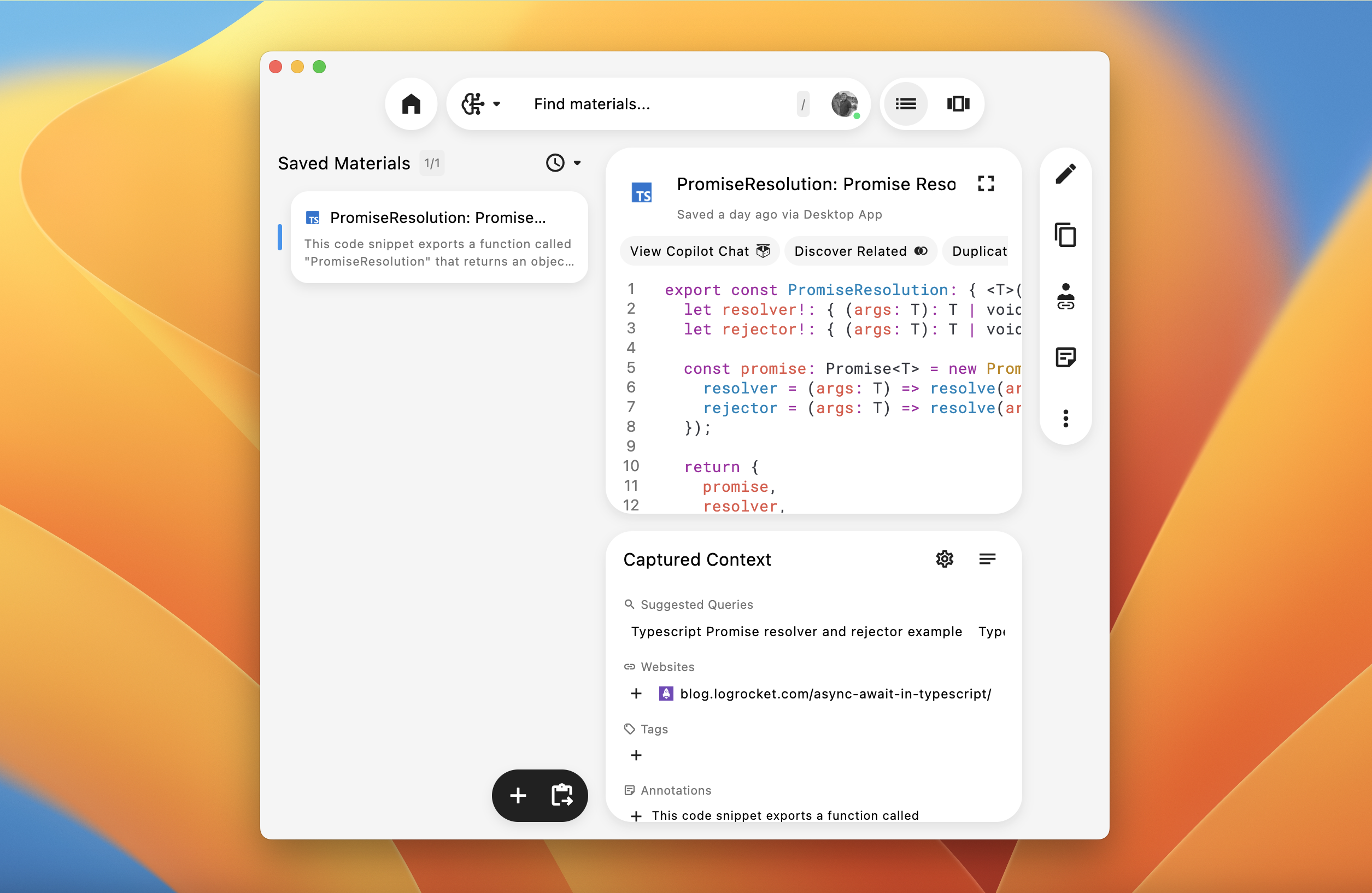
Timeline has four main features that help you use your workflow context:
Single-Click Summaries: Create quick summaries from your workflow with one click. Choose from preset types like Standup Updates, Day Recaps, and more.Timeline Activities: Browse a timeline of all your activities and conversations in the sidebar. Search, filter, and find any activity from your workflow history.Conversational Chat: Ask questions about your workflow and get answers powered by LTM-2.7. The chat knows your memories and gives relevant answers.
Everything you need to understand and use your captured workflow context is in Timeline. Learn more about Timeline.