Install Pieces on Linux | Complete Setup Guide
Get started with Pieces on Linux – install via Snap or Flatpak, then configure and optimize your setup for AI-powered development.
Install Pieces for Linux
Pieces for Linux is available via Snap (recommended for Ubuntu) or Flatpak (for Fedora, Arch, Linux Mint, and other distros). Choose the method that works best for your system.

General Requirements
- Minimum OS: Ubuntu 22+ or equivalent modern Linux distribution
- Display Server: Pieces is primarily supported on X11. Wayland support requires manual steps. Run
pieces-os.doctorafter install (Snap only) and follow its output. If Long-Term Memory or screen-related features misbehave, especially in some VMs, try logging in with an X11 session or see Linux troubleshooting.
Updating
On Linux, update PiecesOS and the Desktop App using your package manager. Both packages update together.
Snap
sudo snap refresh pieces-os pieces-for-developers
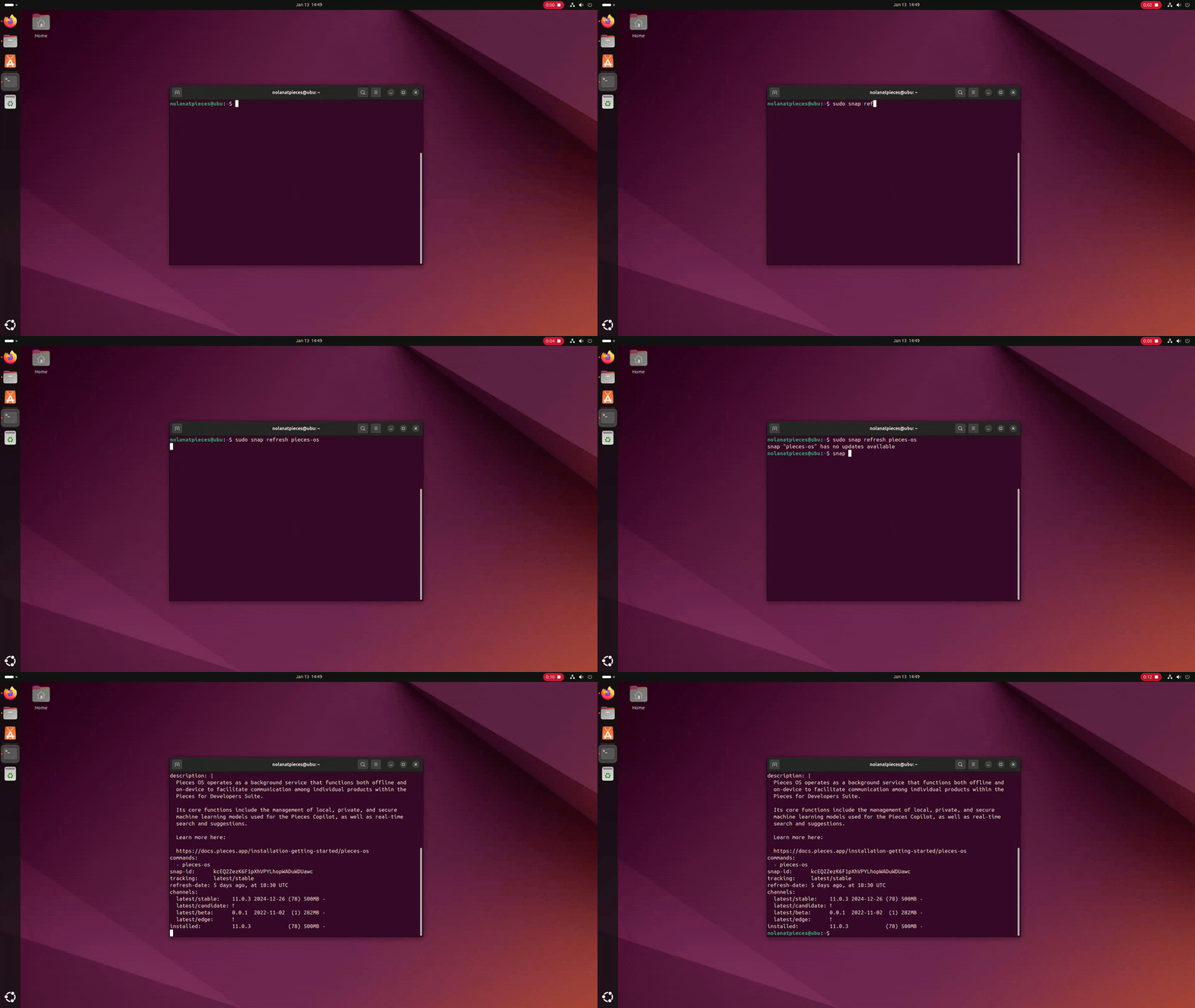
Running
snap refreshto update Pieces on Linux
Flatpak
flatpak update -y com.pieces.os com.pieces.pfd
You can also check for updates from the Desktop App by clicking your profile in the top-left corner and selecting Check for Updates.
Additional Resources
See the Linux troubleshooting guide or reach out to support for help.