Install Pieces on Linux with Snap | Pieces Docs
Install Pieces via Snap on Ubuntu. One-command install with automatic updates, system interfaces, and easy management.
Snap Installation (Recommended for Ubuntu)
Snap is the recommended installation method for Ubuntu users. It provides automatic updates, system integration, and simple management through terminal commands.
Snap Requirements
- Snap Support: Ensure
snapdis installed and enabled. Most Ubuntu releases include it by default. - Administrator Access: You'll need
sudoprivileges to install snap packages. - Ubuntu 22.04+ or a compatible distribution with Snap support.
Install via Snap
Run these commands in order to install and properly set up the Pieces Desktop App and its core dependencies:
sudo snap install pieces-ossudo snap connect pieces-os:process-control :process-controlsudo snap install pieces-for-developers
Then, type pieces-for-developers to launch the application directly from your terminal.
See our guide on [determining your OS version].(/products/meet-pieces/troubleshooting/linux#checking-ubuntu-version)
Connect System Interfaces
After installing via Snap, run pieces-os.doctor in your terminal. The script outputs a command you can copy and paste to connect all interfaces with the system. This step is required for full functionality, including features like LTM Audio.
Updating
Update both packages with Snap:
sudo snap refresh pieces-os pieces-for-developers
You can also check for updates from the Desktop App by clicking your profile in the top-left corner and selecting Check for Updates. Both apps update together.
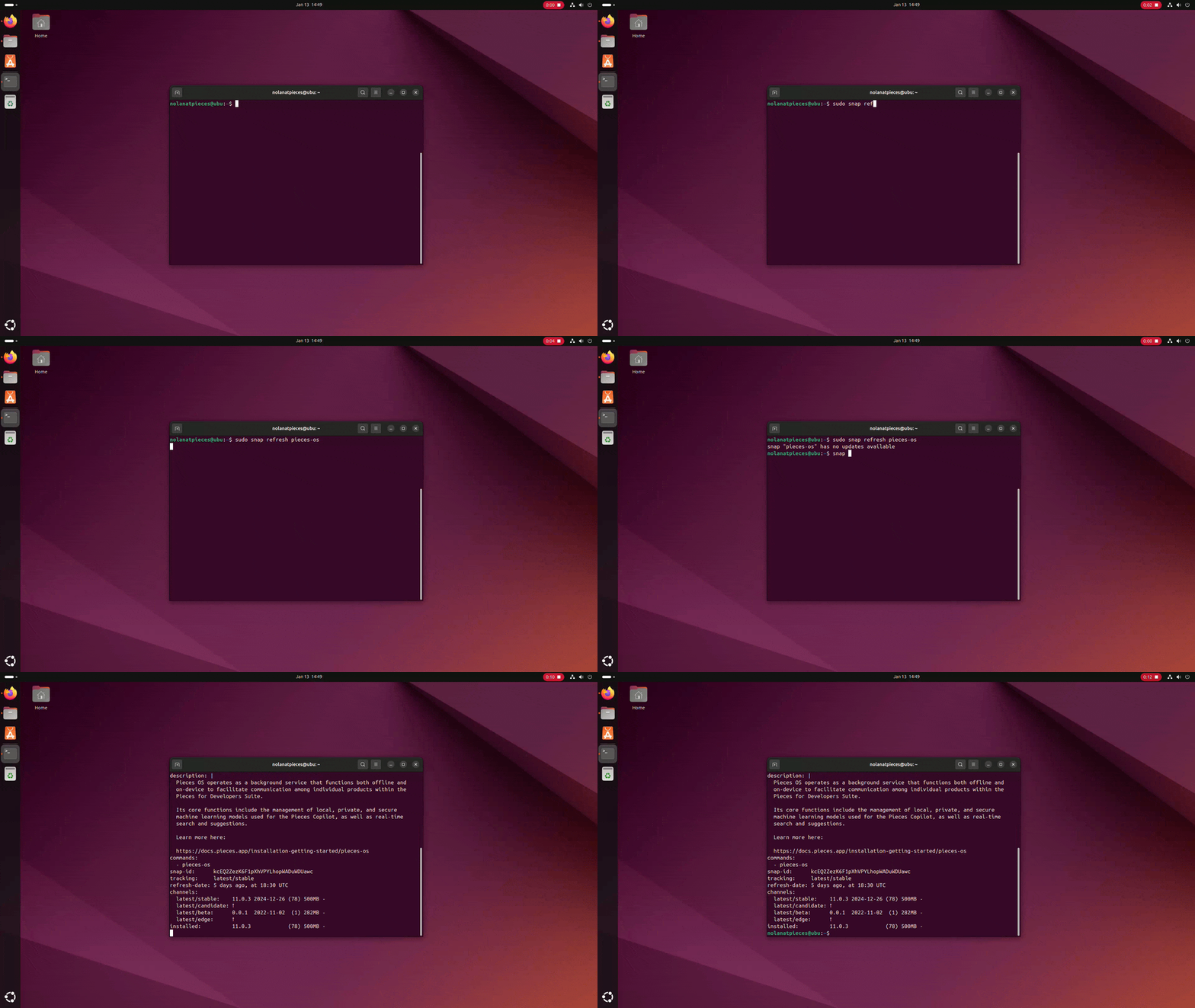
Running
snap refreshto update Pieces on Linux
Uninstalling
You can uninstall PiecesOS and the Pieces Desktop App using snap commands directly from your terminal.
Next Steps
After installation, explore Conversational Search to start chatting with your memories, or configure Long-Term Memory to customize how Pieces captures your workflow context.
If you encounter issues, see Linux troubleshooting for common solutions.