Core Dependencies for Pieces | PiecesOS Guide
PiecesOS powers the Desktop App and MCP integrations, capturing and storing your context on-device. Learn setup and dependencies.
What Are Core Dependencies?
Pieces products, including the Pieces Desktop Application, are built on PiecesOS, which provides a local, secure, and efficient experience with built-in AI capabilities.
What Is PiecesOS?
To run any Pieces software, you will need PiecesOS, the backbone of the Pieces Suite. This lightweight application runs in the background of your device.
It powers the Long-Term Memory (LTM-2.7) Engine and Conversational Search. Pieces Drive is a legacy material manager retained for existing workflows; LTM and Timeline replace it for new users.
PiecesOS: The backbone of the Pieces suite, managing local memory, AI-driven workflow enhancements, Pieces MCP, and other integrations within your development environment.
On-Device Processing
PiecesOS runs directly on your device and powers core Pieces capabilities without sending your data to the cloud:
- Long-Term Memory (LTM-2.7) workflow capture and processing
- Code enrichment and analysis
- Secret detection and security scanning
- Metadata and tag generation
Capture, indexing, and storage happen entirely on your device through PiecesOS. AI features that need a large language model—like Conversational Search—send only scoped, relevant context to a cloud model for that request.
What Does PiecesOS Do?
PiecesOS is a lightweight service that handles everything from on-device context capture and storage to coordinating AI-assisted workflows.

PiecesOS is required for all Pieces products, including:
Pieces Desktop App
MCP integrations for JetBrains IDEs, VS Code, Raycast, and many other tools, plus the Pieces CLI.
Why Do We Need PiecesOS?
Pieces is designed with speed and efficiency in mind, so PiecesOS acts as the central hub between different Pieces products to minimize client-side overhead and additional code while also being secure and highly configurable.
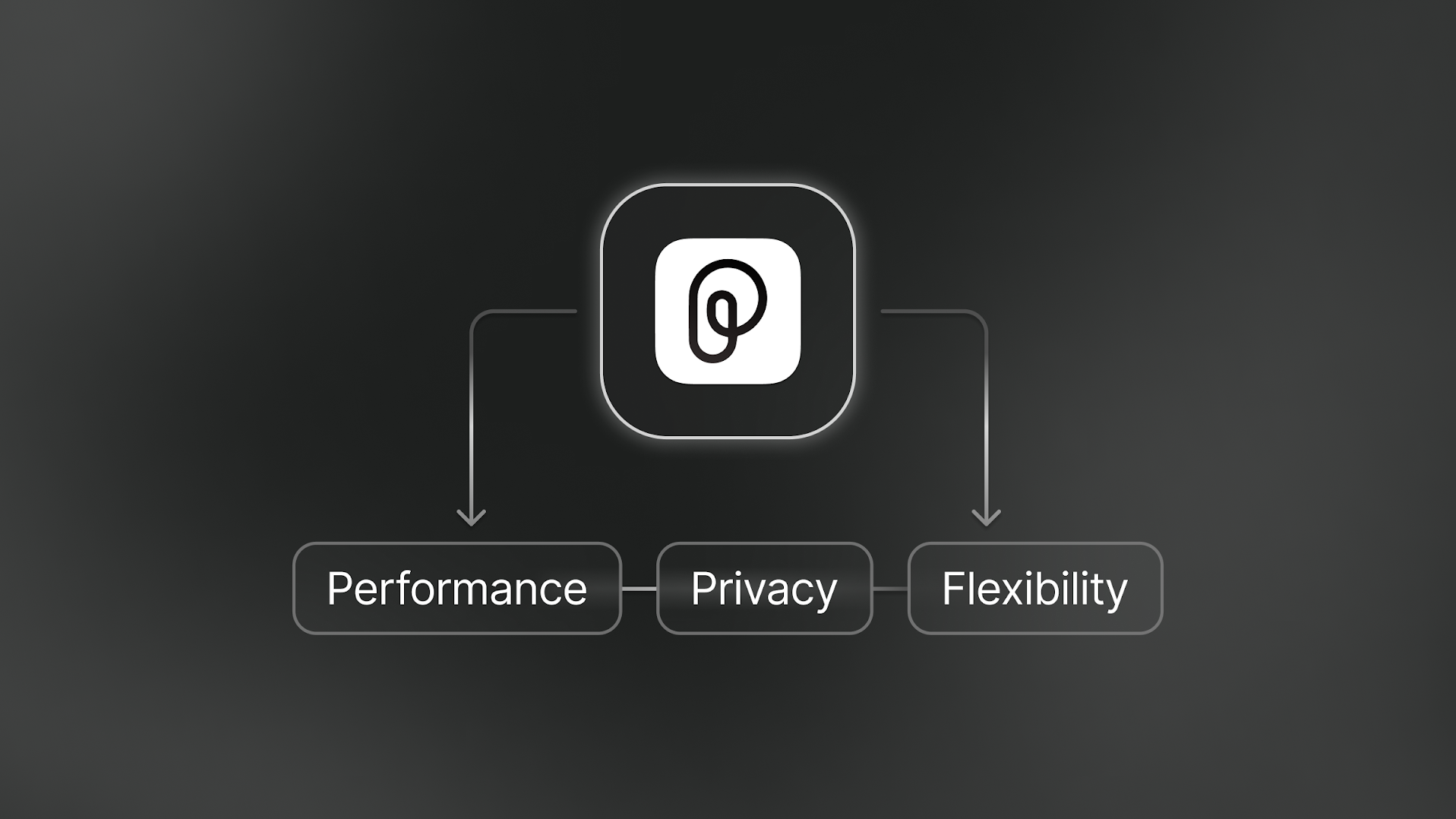
Our focus on security and flexibility is why PiecesOS does as much as possible on your device. By keeping capture and storage local, the user experience benefits from:
100% local memory storage with full control over data.
Scoped cloud requests, so only the relevant context for a given prompt is ever sent to an AI model.
Lightweight, background operation, consuming minimal system resources.
This is especially useful in enterprise settings where strong device security is important.
| Dependency | Purpose | Required? |
|---|---|---|
| PiecesOS | Manages memory, developer material storage, and MCP client communication, capturing and storing your context on-device. | Yes — this is required for all Pieces products. |